FixedHeader with Semantic UI sidebar
FixedHeader with Semantic UI sidebar
 vicked
Posts: 4Questions: 1Answers: 0
vicked
Posts: 4Questions: 1Answers: 0
Hello there!
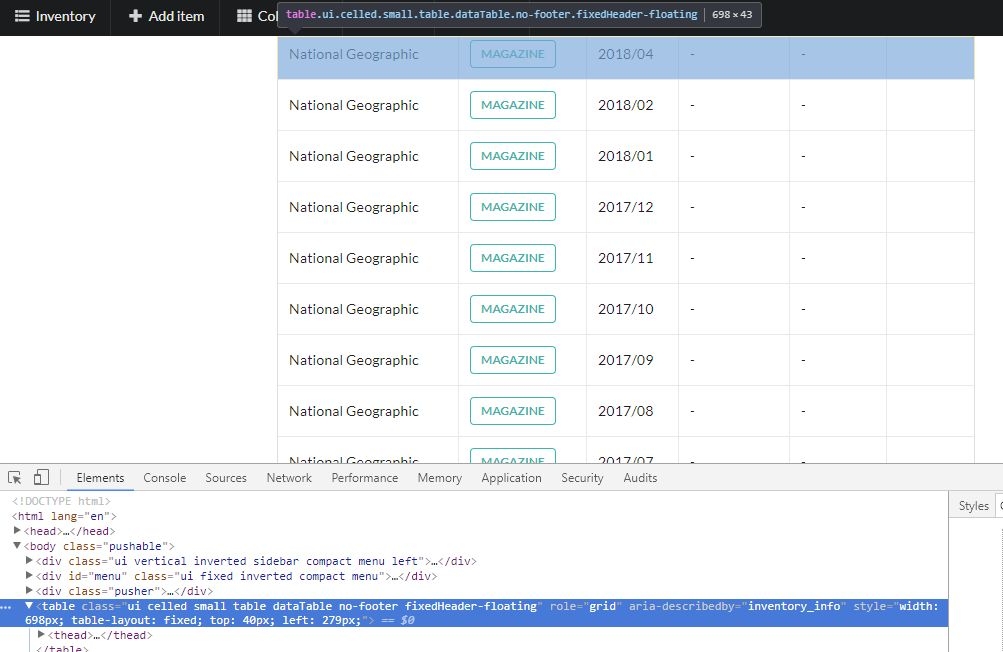
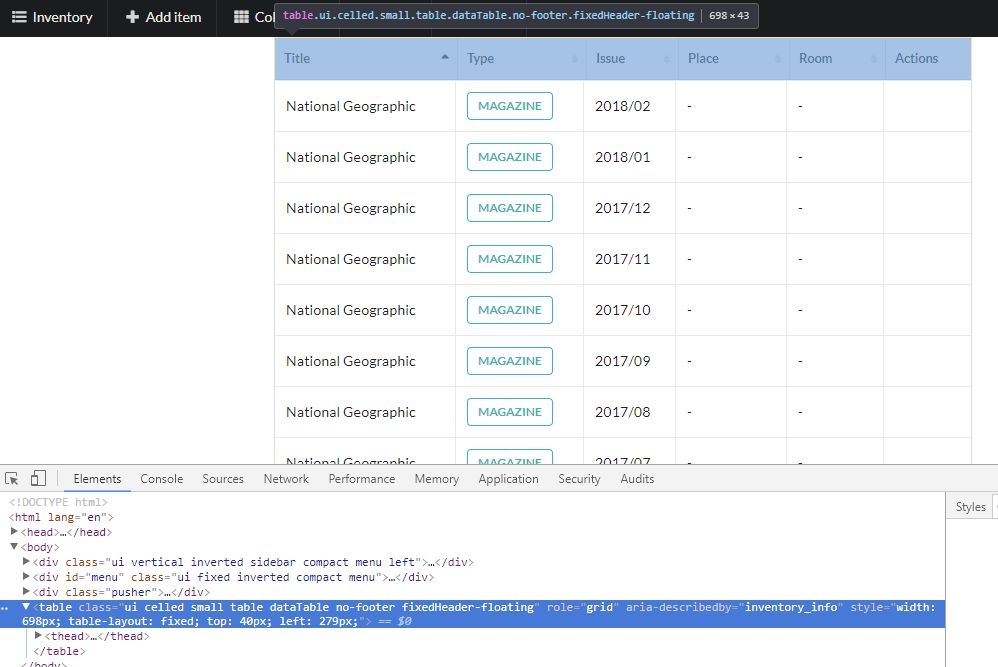
Recently I faced a strange problem with datatables and semantic UI + FixedHeader. When the body has "pushable" (add by semantic UI automatically when the page has sidebar) the FixedHeader is not visible. It is there, I can select it by the chrome developer console "select element" option (screenshot attached) but it is not visible. If I remove the "pushable" manually the header appears (screenshot attached also).
Can anyone help me with this strange behavior?
Thanks!
vicked
This discussion has been closed.
Answers
Hi,
Can you give me a link to a page showing the issue? I suspect you'll need to call
fixedHeader.adjust()as the styles of the rest of the page change.Allan
Hi,
Thanks for your answer. I will set up a page which shows the problem after work. But I think the refenced adjust() method is not solves my problem. I think the "pushable" body class causes the problem somehow, because if I remove it on the fly (by removing it directly with the browser developer tools elements menu) the fixed header appears.
Maybe this is a strange css behavior, but I cannot see what causes the problem.
Cases breakdown:
1) in case of <body class="pushable"> the fixedHeader is there but not visible
2) in case of <body> the fixedHeader is there and visible
The "pushable" is added by semantic UI and it is necessary if sidemenu is presented.
Hi again,
I made 2 example site:
1) https://94.176.237.177/agaD321Das31s/fixed_header_with_sidebar.html
2) https://94.176.237.177/agaD321Das31s/fixed_header_without_sidebar.html
Its a z-index issue - add:
to your page and it will work as expected.
The problem is coming from:
in Semantic UI. That is making the container which has the DataTable in it, z-index 2. The fixed header was floating behind it.
Allan
Thanks for your help! The Fixed header is available now.
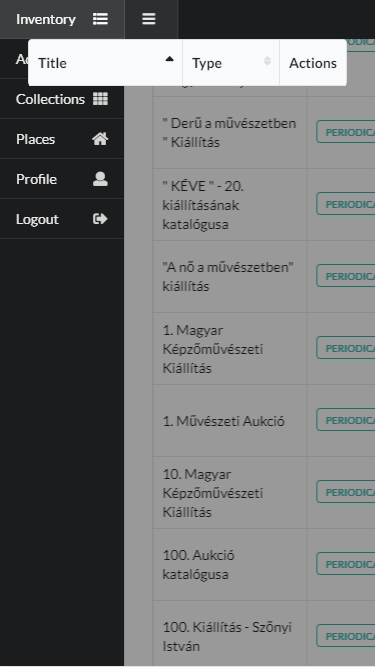
But when I use it together with Semantic UI Sidebar component, the Fixed header is not adapt the open sidebar. Is this a known issue? Does anyone have a workaround for it?
The result looks like this: